 PixelVision Lab
Resize to exact pixels
Set a width, a height or a percentage and keep the aspect ratio locked. Resampling is smooth, so a downscaled photo stays clean instead of turning blocky.
PixelVision Lab builds focused Android apps for image work, document photos and paper scanning. Edit a batch, prepare an ID or passport photo, or turn pages into a private PDF, all on your device.
Choose the everyday image toolkit, a print-focused document photo workflow or a private paper scanner. None needs an account, and your files stay on your phone.
Resize, compress, convert, crop, rotate, filter and batch-process images on the device. Built for photographers, sellers and anyone who handles a folder of photos a week.
Create ID, passport and visa photos with face alignment, background replacement, exact dimensions and print layouts for 10×15 cm or A4 paper.
Capture or import document pages, correct the edges and perspective, improve readability, then export a multipage PDF or individual JPEG and PNG pages.
Pick a file, pick a tool, change the one thing you came for, export. No layers, no project files, no menus you will never open.
Set a width, a height or a percentage and keep the aspect ratio locked. Resampling is smooth, so a downscaled photo stays clean instead of turning blocky.
Dial in the quality you actually need, in JPEG or WebP. A live size estimate shows the resulting file size before you export, so you never guess.
JPEG, PNG and WebP, with a quality control wherever the target format is lossy. PNG stays lossless, so the quality slider steps out of the way.
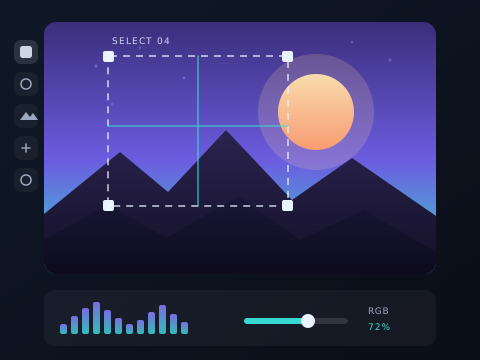
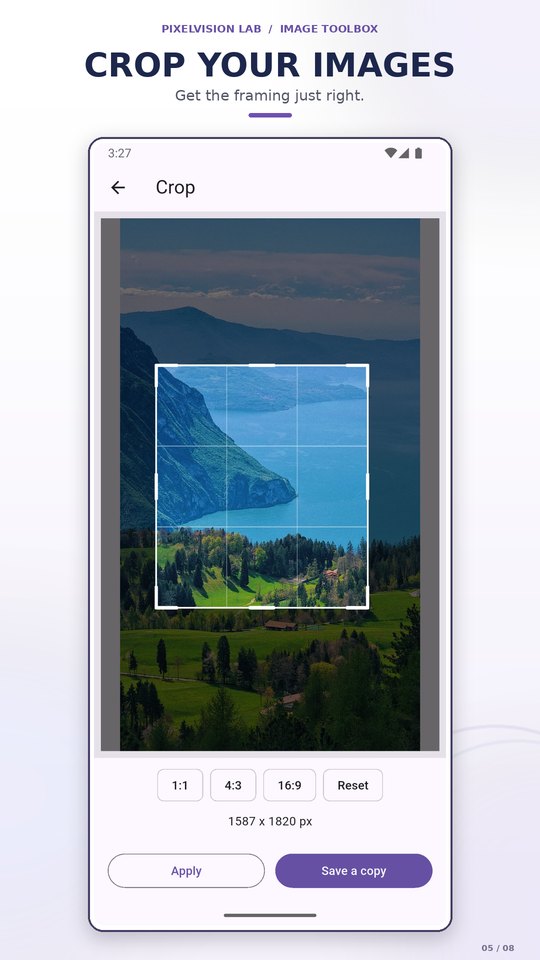
Drag a freeform selection with eight handles, or snap to 1:1, 4:3 and 16:9. A rule-of-thirds overlay is always on.
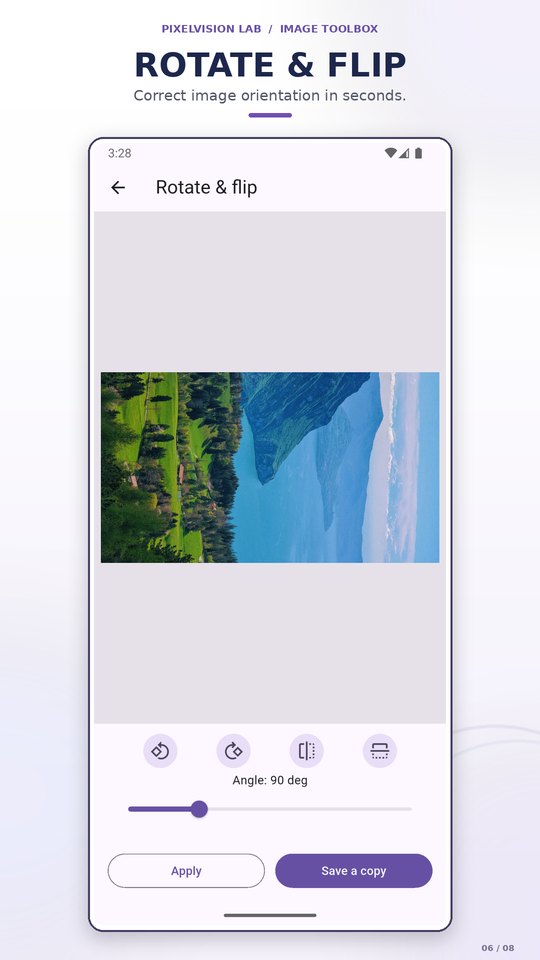
Quarter turns and horizontal or vertical mirrors for the quick fixes, plus a 0–360° angle slider for straightening a scanned page or a tilted horizon.
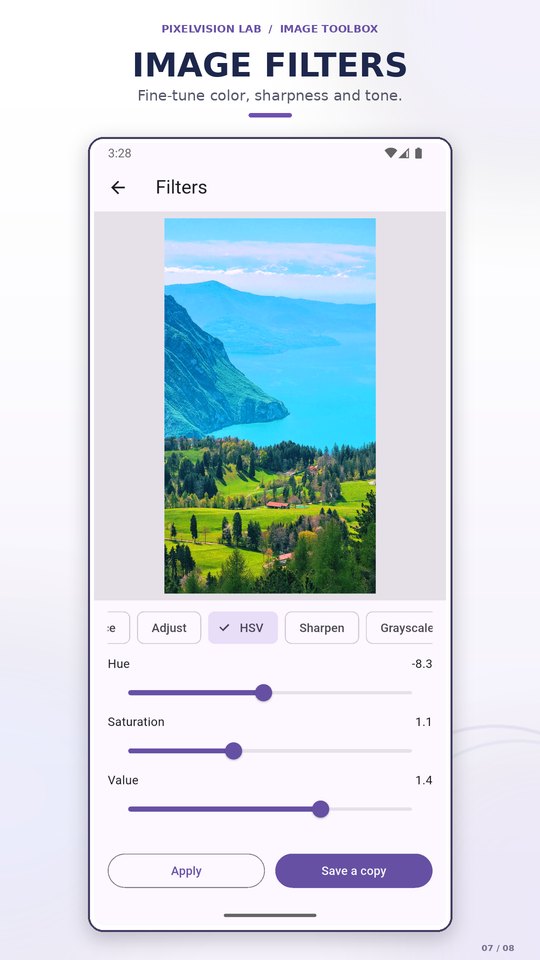
Blur, sharpen, denoise, edges, threshold, morphology, auto-enhance, brightness and contrast, HSV, grayscale, colour map and invert — each with its own controls.
Exact dimensions, megapixels, aspect ratio, orientation, format and file size — read from the original file, which is never modified.
See the tonal distribution as luma or as separate red, green and blue channels before you touch a brightness or contrast control.
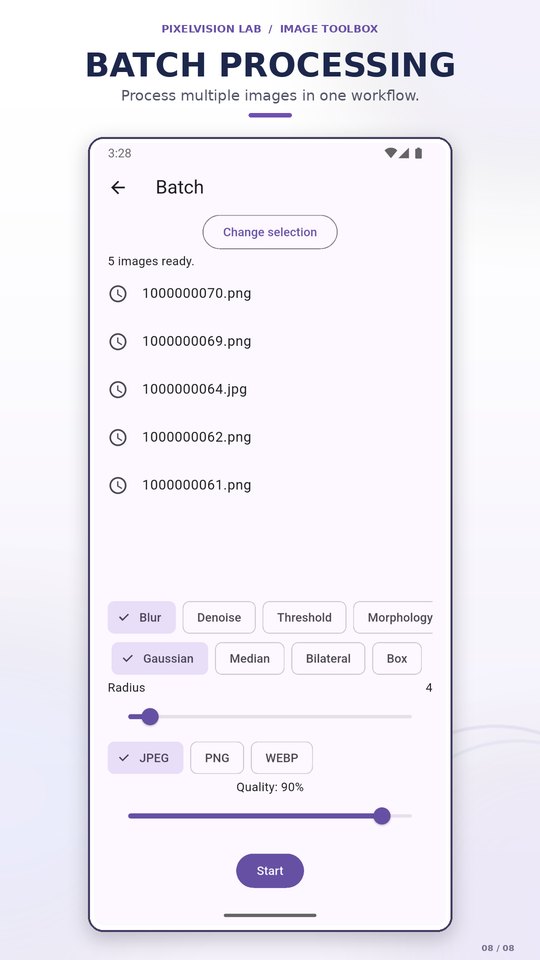
Pick a filter, an output format and a quality level, then run it over a folder of photos. A file that fails is skipped and reported — the rest of the queue keeps going.
Originals are never overwritten. Saves land in an Image Toolbox album in your gallery, where any other app can find them — and nothing is uploaded anywhere.
Real screens from the Play Store listing — home, resize, compress, convert, crop, rotate, filters and batch.
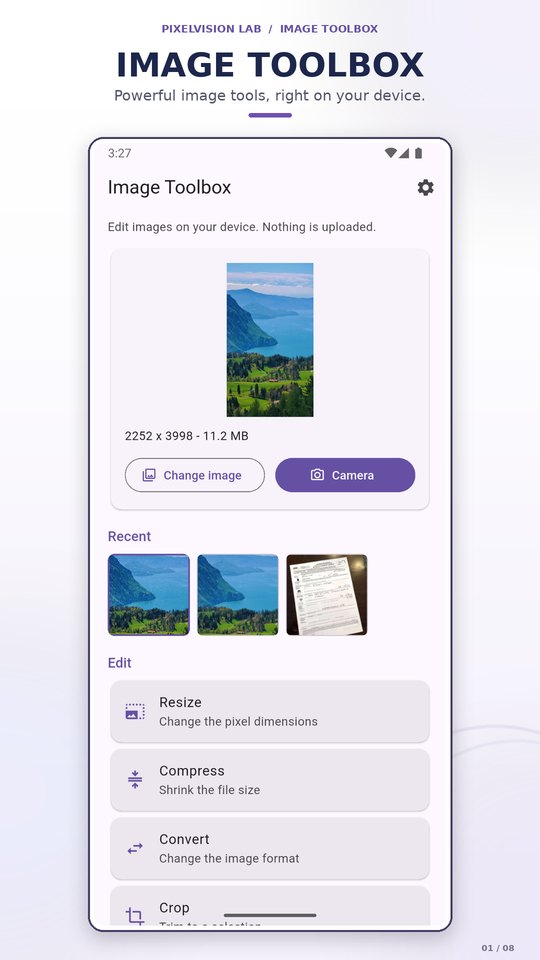
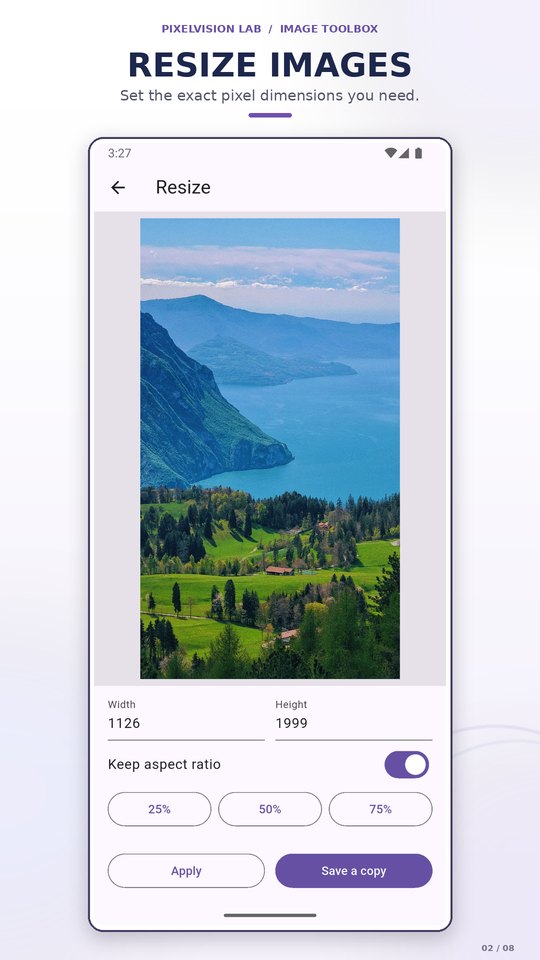
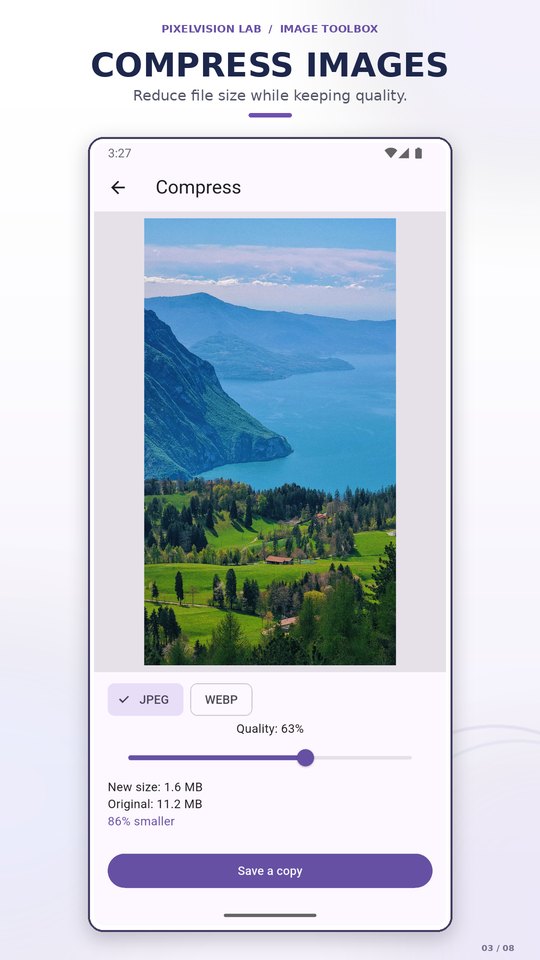
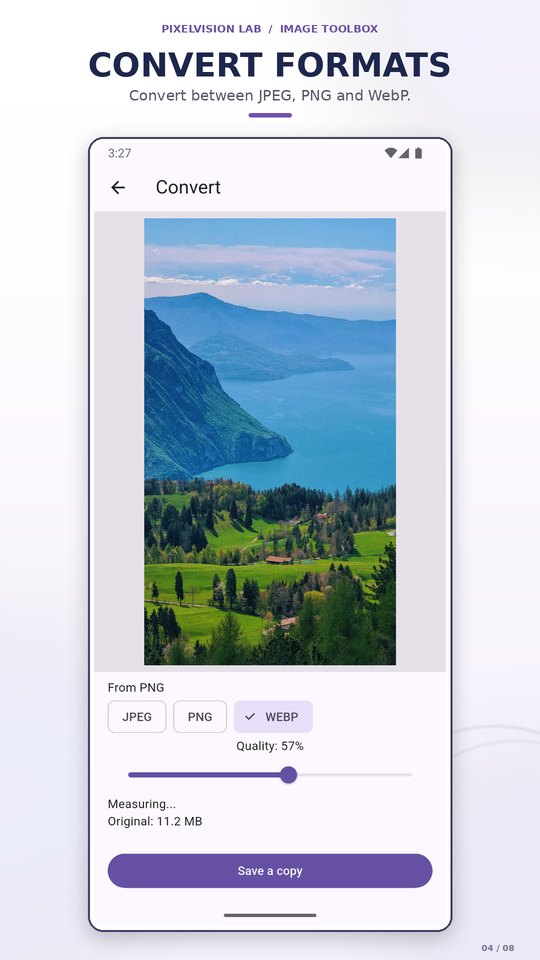
Scroll horizontally for all eight screens.
The app catalog is small on purpose. Each release has to earn its place on your home screen.
Every operation runs on the device. There is no upload step, no waiting on a queue, and no server holding a copy of your photos or scanned pages.
Image Toolbox and ID Photo Maker are free, with optional one-time upgrades. DocScan is free to use. None of the three uses a subscription.
A lean app, clear permissions and a privacy policy in plain language. Image Toolbox uses a fixed banner; ID Photo Maker and DocScan have no ads. DocScan has no Internet permission.
Process a folder of images, prepare a document photo or scan paper into a PDF. All three apps install from Google Play, with no account or trial timer.